On this page
- What we use your location for
- What other users see
- When we read your location
- What we keep server-side
- Foreground vs background
- You're in control
- Why "your exact location is never shown"
- Questions
Last updated: September 27, 2026
This page is shown in the app before the operating-system location prompt is requested, as part of the prominent-disclosure flow required by Google Play (Location permissions policy) and Apple (App Store Review Guideline 5.1.1). The same content is linked from the App Store and Google Play listings.
What we use your location for
The single purpose of location processing in Passn is to discover people whose paths have crossed with yours. When you submit a location sample we:
- Compute the H3 cell (resolution 9, ~174 metre edge) the point falls into.
- Search for other users with a recent sample in that cell or any of its 6 immediate neighbours.
- Apply visibility, block, and cooldown filters.
- For each pair found, generate an approximate encounter centre: the midpoint of the two raw points, moved by a random offset of 30 to 90 metres derived from a server-side secret. The offset differs for every pair of people and every day and is not stored alongside the result, so the saved point is nobody's own position and cannot be resolved back to either person's coordinates. The raw points are never used again to generate a user-facing value.
What other users see
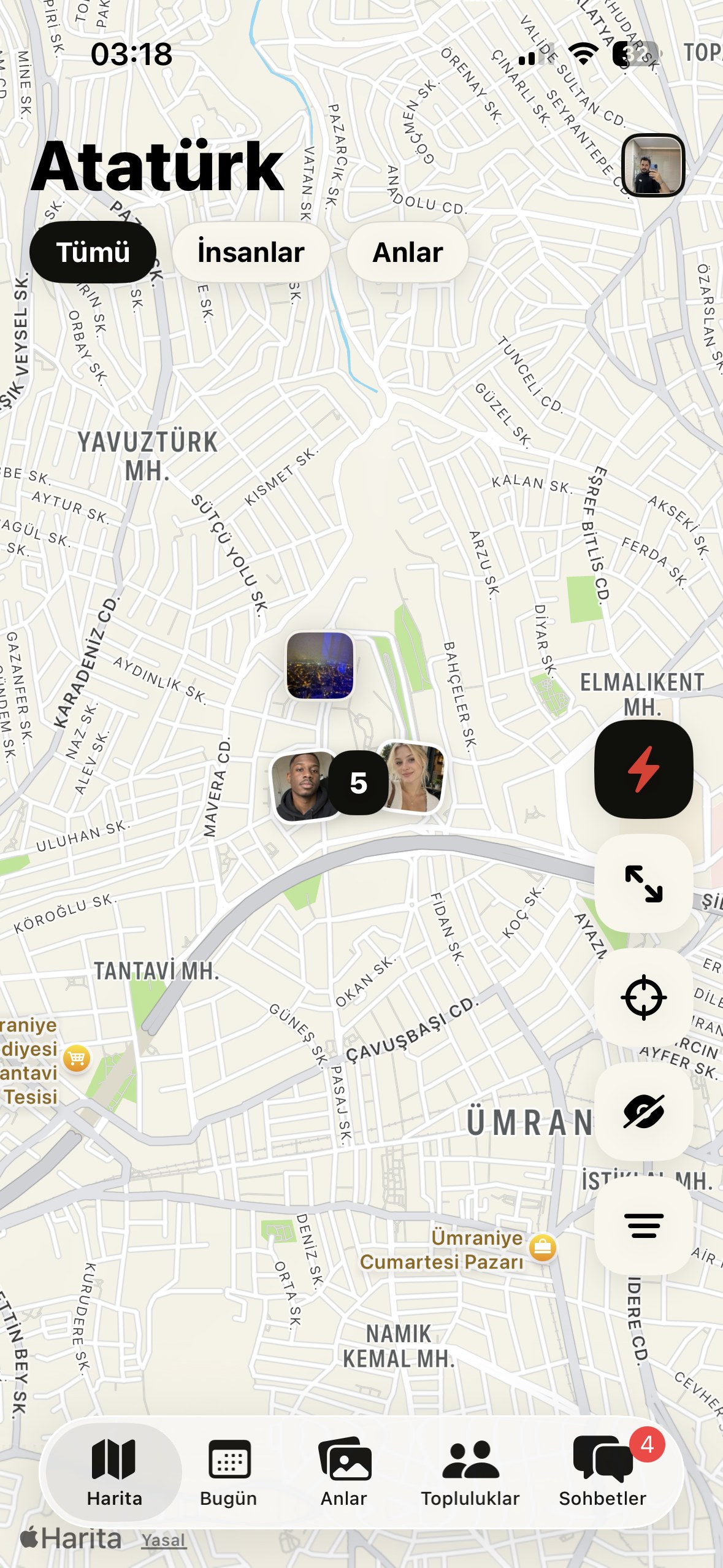
- An approximate encounter area on the map. Never the precise point.
- Approximate distance ("less than 200m", "around 1 km") rounded generously.
- No live position. The other user never sees where you are right now; they only see that your paths crossed at some point in the recent past.
When we read your location
Passn reads your location in two situations:
- While the app is open. Each time you open the Today or Map tab we take a single reading.
- In the background, if you allow it. With the "Always" location permission Passn also registers significant location changes, a coarse signal the operating system already computes, delivered roughly every 500 metres or every 5-15 minutes. We do not run continuous GPS, so the battery cost is negligible.
Background reading exists for one reason: without it a crossing can only happen when both people have the app open at the same moment, which almost never occurs.
You can turn background crossings off at any time in Settings → Visibility, or revoke the permission entirely in your phone's settings. Passn keeps working either way; only the crossings you would have collected while the app was closed are lost. Nothing about what other users can see changes: they still only ever get an approximate, offset area and a rounded distance.
What we keep server-side
| Data | Retention |
|---|---|
| Raw GPS sample | 72 hours, hard-deleted by an hourly job |
| Encounter (offset centre only) | 90 days, hard-deleted daily |
After raw-sample retention expires, encounter rows reference the offset approximate centre only, there is no way to recover the original coordinates, including for us.
Foreground vs background
By default Passn collects location only while the app is in the foreground, with the standard "while using the app" permission.
A background-location feature is gated behind a build flag (FEATURE_BACKGROUND_LOCATION) and is OFF unless the user explicitly opts in. Before any background sample is requested:
- The user is shown a dedicated education screen describing why background access is requested, exactly what data is collected, how long it is retained, and how to turn it off.
- The OS permission prompt for "Allow all the time" / "Always" is requested only after the user taps "Continue" on that screen.
- The user can revoke background access at any time from the in-app Settings page or from their device's system settings.
- The corresponding Play Console declaration video and prominent disclosure copy will be submitted as part of the listing update that enables this feature.
You're in control
- Settings → Location → Off stops new samples and clears the pending samples.
- Delete account removes everything within the deletion grace period.
- Per-device OS settings (Android: Settings → Apps → Passn → Permissions → Location; iOS: Settings → Passn → Location) take precedence over anything inside the app.
Why "your exact location is never shown"
The encounter centre stored in the database is computed as:
centre = midpoint(yourLastPoint, peerLastPoint) + randomOffset(30 to 90 m, server-side secret)
The offset is derived from a server-side secret, differs for every pair of people and every day, and is never stored beside the result, so the saved point cannot be reversed into either person's coordinates. The raw points are deleted within 72 hours, at which point even an authorised database administrator could not reconstruct the original coordinates from the surviving rows.
This is by design. We chose H3 cell binning for finding crossings plus an offset approximate centre for display specifically to avoid the "stalker UX" common to location apps that show precise pins. See the project's architecture invariants for the engineering commitments behind this guarantee.
Questions
Email privacy@passn.app with any concerns about location handling.
Location Disclosure · Passn LLC, 8 The Green, Suite 23215, Dover, DE 19901, United States · legal@passn.app