Passn is run by a small team, and support email is answered by that team - not a bot. Write in English or Turkish. We aim to reply to every message within two business days, and faster for safety reports. Email support All contact channels
Getting started
Where can I download Passn?
The Android app is available on Google Play, and the iPhone app is coming to the App Store soon. Anyone offering you a Passn installer from another source is not us.What do I need to sign up?
An email address or an Apple / Google account, a date of birth showing you are 18 or over, at least one photo, and a few profile basics. Location permission is optional and requested later, in context.Why does Passn ask for my date of birth?
To enforce the 18+ rule and to show your age on your profile. Age is validated in the app and again by a constraint in the database, so it cannot be bypassed by tampering with the client.How do I get the verified badge?
Open your profile and start verification. You will be asked to complete a short liveness check with the front camera, which is compared against your profile photos. Verification is optional and can be done at any time.Account & privacy
Can anyone see my exact location?
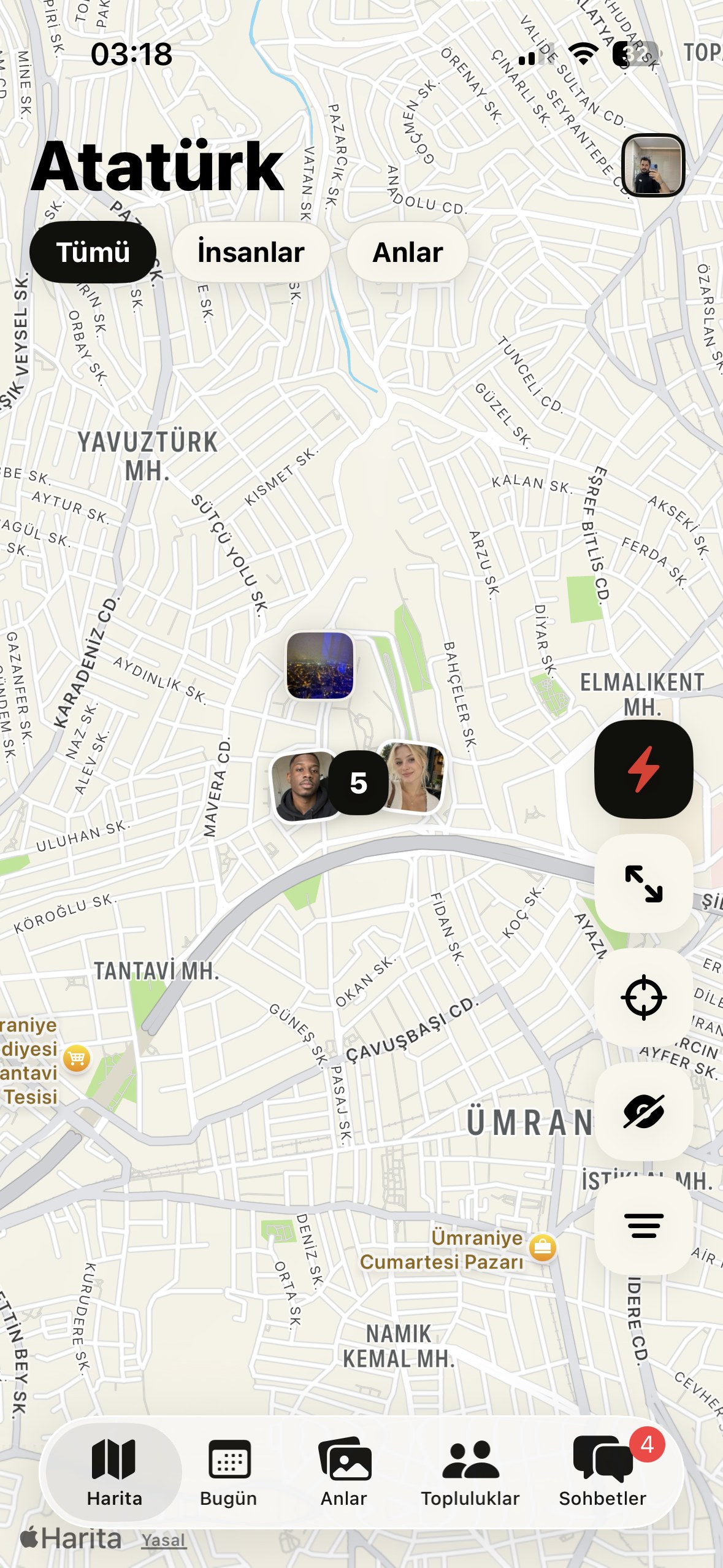
No. Passn has no live-location feature. A crossing is stored as the midpoint between the two of you, shifted by a random offset of 30 to 90 metres, and shown only as an approximate area and time.How do I turn location off?
On iPhone: Settings → Passn → Location. On Android: Settings → Apps → Passn → Permissions → Location. You can switch to “While Using the App” or turn it off entirely. The rest of the app keeps working; new crossings simply stop being generated.How do I stop appearing in discovery?
Use the visibility controls in Settings to hide your profile, or invisible mode (Passn Plus+) to browse without appearing. Blocking a specific person removes you from each other’s view entirely.How do I get a copy of my data, or correct it?
Most information can be edited directly in the app. For a copy of the data we hold, a correction we cannot make in-app, or any other request under applicable data-protection law, email privacy@passn.app from your account address.How do I delete my account?
In the app: Settings → Delete account. Deletion begins a 14-day grace period during which signing back in cancels it. After that the account and its content are erased, apart from the narrow items we are required to keep, those are listed in the data deletion policy.Subscriptions & billing
What do Passn Plus and Plus+ include?
Plus shows you who sent you a connection request and adds unlimited connection requests, profile visitors, and photos and voice notes in chat. Plus+ adds connection requests with a note, three Boosts a month, invisible mode, travel mode, longer crossing history, and voice and video calls. The full comparison is on the product page.How much does it cost?
Prices are set per country by the App Store or Google Play and shown in your local currency before you confirm. Passn does not process card details and never sees them.How do I cancel?
Subscriptions are managed by the store you bought from. iPhone: Settings → your name → Subscriptions → Passn → Cancel. Android: Play Store → Profile → Payments & subscriptions → Subscriptions → Passn → Cancel. Cancel at least 24 hours before the period ends to avoid the next renewal; you keep the benefits until the current period expires.How do I get a refund?
Purchases made through the App Store are refunded by Apple, not by us, use reportaproblem.apple.com. Google Play purchases are refunded through Google Play. If something went wrong on our side, write to support@passn.app and we will help.I paid but my features did not unlock.
Open the paywall and use “Restore purchases”, which re-reads your entitlement from the App Store or Google Play. If it still does not appear, email support with the date of purchase and the store receipt and we will fix it manually.Safety & reporting
How do I report someone?
Use the report action on their profile, inside the chat, or in a community room. The report reaches a human moderator with the relevant context attached. You can block at the same time.What happens after I report?
A moderator reviews the report against the Community Guidelines. Outcomes range from a warning to a permanent ban, depending on severity and history. Severe categories are actioned first.I think an account belongs to someone under 18.
Report it in the app and, if it is urgent, also email abuse@passn.app. These reports are prioritised, and we report applicable material to NCMEC and equivalent authorities.Someone is asking me for money.
Do not send anything. Requests for money, gift cards or crypto, however plausible the story, are the clearest signal of a scam. Report the account; we act on these quickly. ContactPick the right inbox and you will get a faster answer.
Product support
support@passn.appAccount, profile, subscriptions and technical problems.
General enquiries
hello@passn.appAnything that is not support, legal or press.
Privacy & data requests
privacy@passn.appAccess, correction, deletion and processing questions.
Trust & safety
abuse@passn.appAbuse, harassment, impersonation, urgent safety concerns.
Security disclosure
security@passn.appVulnerabilities in the app, API or this website.
Legal notices
legal@passn.appFormal correspondence, law enforcement, IP claims.
Response times
Support and general enquiries: within two business days. Safety and child-safety reports: prioritised ahead of everything else. Legal notices: acknowledged on receipt.
Postal address
Passn LLC
8 The Green
Suite 23215
Dover, DE 19901
United States